Get sh*t done.Like it's 1986.
Productivity with neon lights, synthwave vibes, and zero corporate beige. On the Horizon is a free, local‑only to‑do list that captures a task in under two seconds and looks like the dashboard of a sports car driving into a neon sunset.
- Free on iPhone · iOS 17+
- No account. No sync. No tracking.
- Turbo: one-time $4.99 (intro sale), never a subscription
What is On the Horizon?
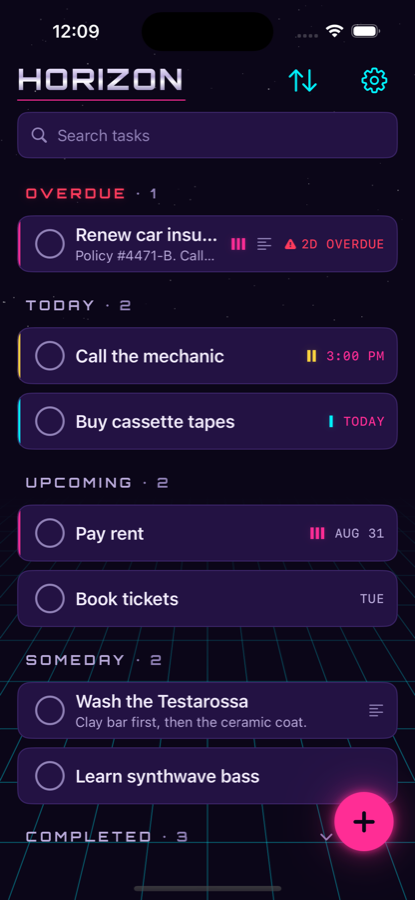
On the Horizon is a to‑do app for iPhone that does one thing fast and looks like 1986. It stores every task on your device, with no account, no cloud and no network requests, and it's built so you can open it and capture a task in under two seconds. The retro outrun theme lives in the chrome: the sunset, the grid, the glow. Your tasks stay plain, high‑contrast and readable.
- Unlimited tasks
- Two‑second capture
- Overdue / Today / Upcoming / Someday
- Priorities & due dates
- Due‑time reminders
- Search & smart sort
- Completed history
- Swipe to delete, 5‑second undo
- Neon Sunset theme
- Haptics & grid motion
Your day. In neon.
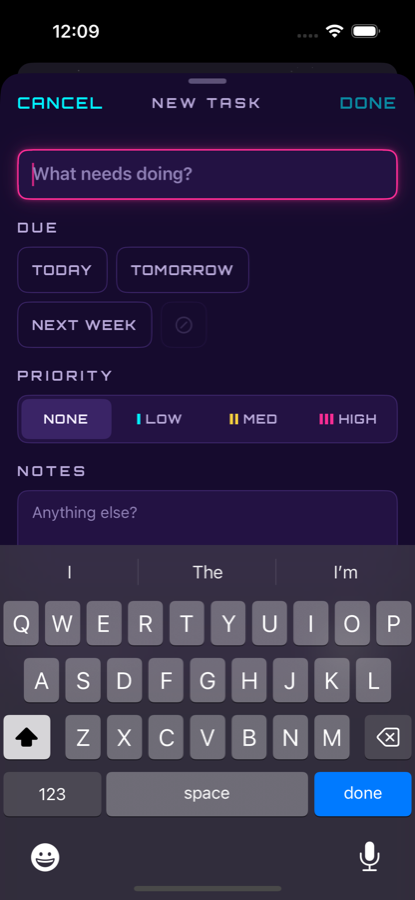
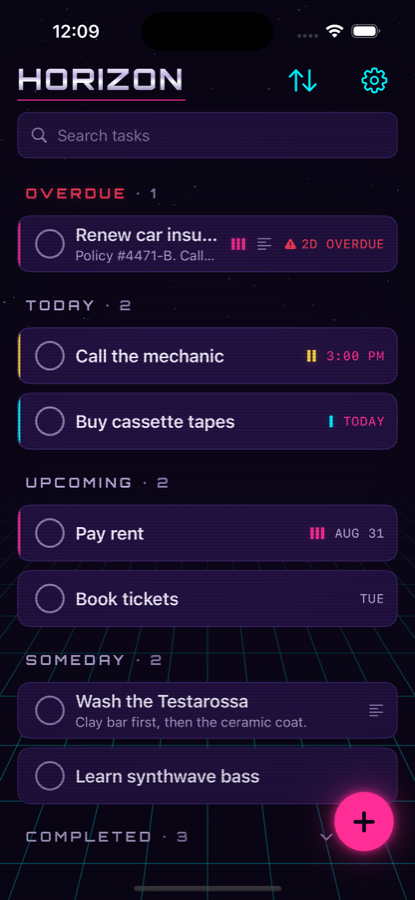
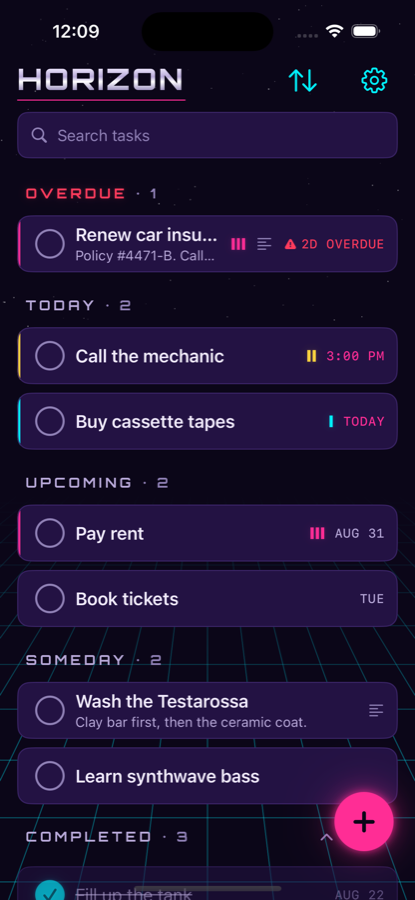
One screen. Everything that's due, sorted into the only buckets that matter. Tap +, type, hit return. Done. That's the whole onboarding.
- OverdueRed chip, top of the list, impossible to ignore. Politely.
- Today · Upcoming · SomedayTasks re-bucket themselves at midnight. “Someday” is a real place here.
- Priority stripesHigh is pink, medium is yellow, low is cyan. The glow never carries meaning you can't read in plain text.
- Under two secondsCold launch to a saved task. Title field already focused. Notes, priority and due date if you want them, never in your way.
- Renew car insurance
- Call the mechanic
- Buy cassette tapes
- Wash the Testarossa
Every task is done. Enjoy the drive.
This is a web recreation of the real animation. The app adds a haptic, and with Turbo, a synth chord.
Crush the list.
Tap the circle. It snaps in, blooms cyan, strikes the title through left to right, holds for a beat so you can enjoy it, then glides down to Completed. A medium haptic on the way. With Turbo, a synth chord.
Checked something by mistake? Tap again. Swiped something away? Undo sits in a toast for five seconds. Completed tasks stay in history until you clear them, so the list is a scoreboard, not a shredder.
Productivity never looked this good.
Five palettes, each with a matching app icon. Pick one below and the whole site changes with it, same as the app. Neon Sunset is free. The rest are Turbo.
Neon Sunset Free
The original outrun palette. Deep purple void, a yellow-to-pink sun, cyan grid. This is the one that ships free.
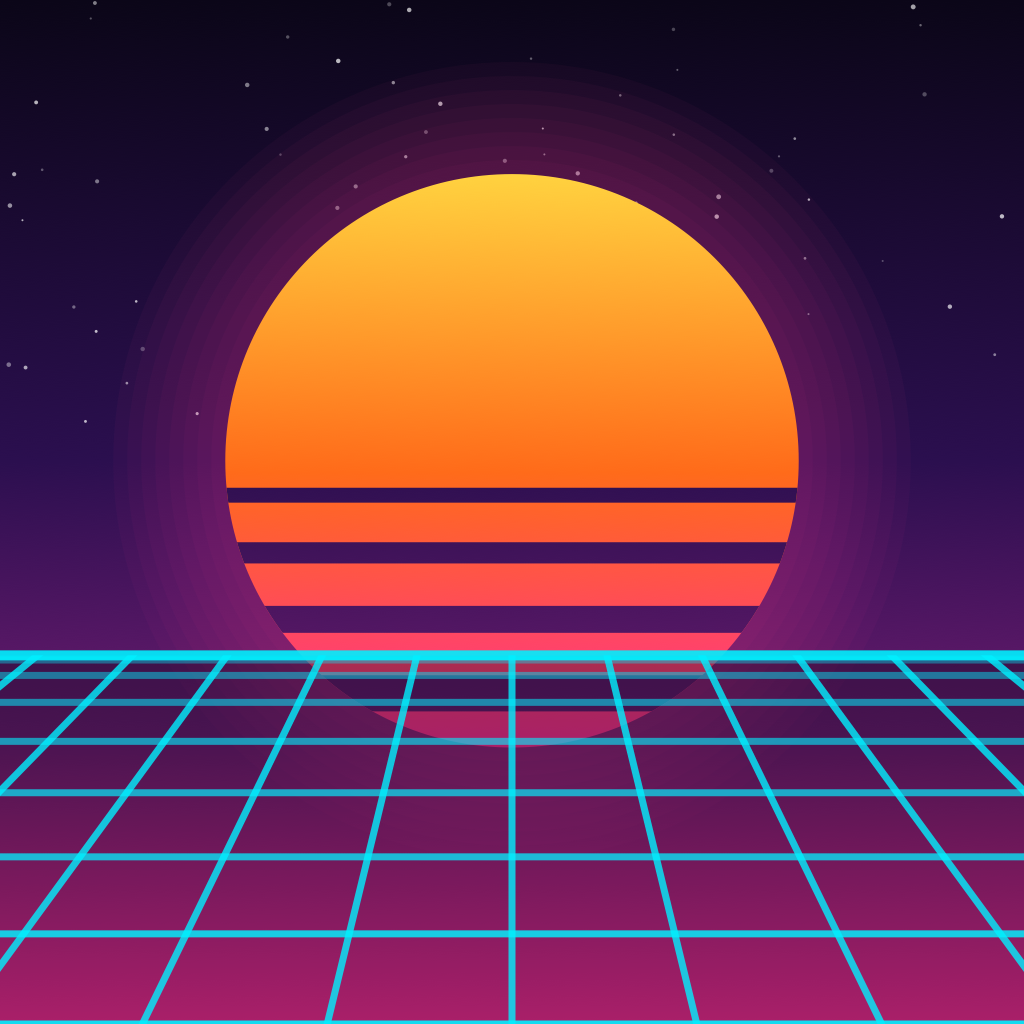
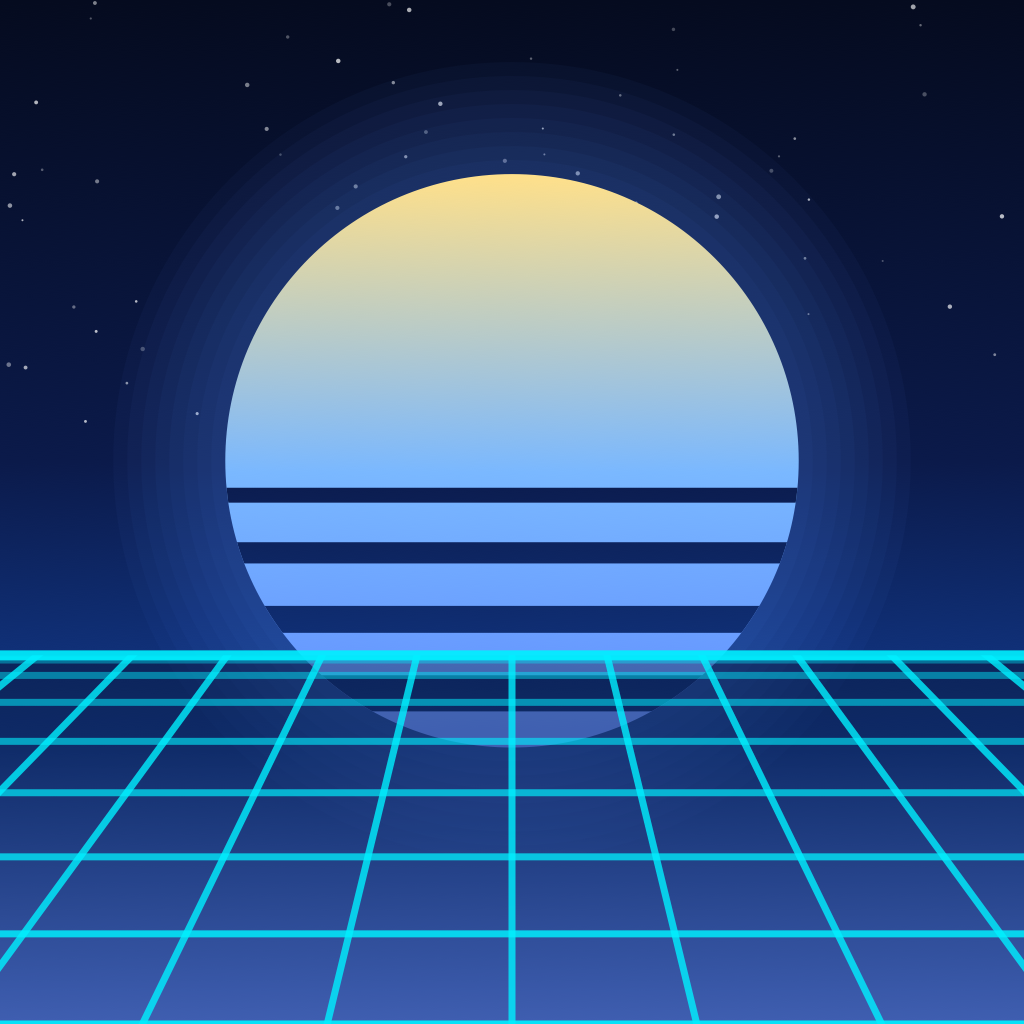
Turn on Match app icon to theme and your Home Screen follows along.
CRT scanlines Turbo
A subtle retro scan overlay across the whole app. Try it on this page:
Synth sounds Turbo
Square‑wave blips for every action, synthesised live on your phone at a polite −18 dB. Off by default. A saw chord when you complete a task, silence when you uncheck. Restraint, remember.
Respects the silent switch and mixes with your music.
Matching app icons Turbo
Every pack ships its own icon. The sun is the O. Switch themes and the icon follows automatically, or pin the one you like.
Haptics, grid motion and a high‑contrast mode are free and live in Settings.
Stay in the zone.
The app gets out of the way, then shows up exactly when you need it: on your Lock Screen, on your Home Screen, and at 3:00 PM when you said you'd call the mechanic.
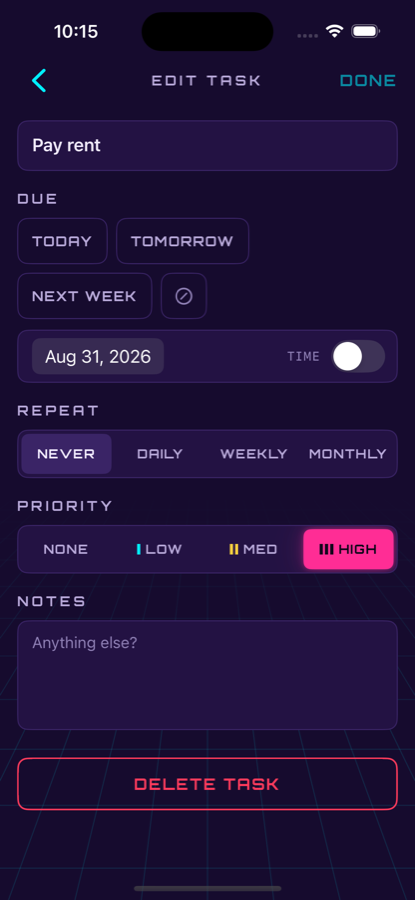
Due‑time reminders Free
Tasks with a due time notify you at that time. Tasks with only a date stay quiet. You're asked for permission the first time you save a timed task, never on launch.
Home & Lock Screen widgets Turbo
Today's count and your next tasks, in small and medium sizes, plus Lock Screen accessories. Tap a task to jump straight to it.
Recurring tasks Turbo
Daily, weekly or monthly. Complete one and the next appears on the horizon. Rent, the mechanic, the tape‑deck fuse, whatever keeps coming back.
Welcome to the future.1986.
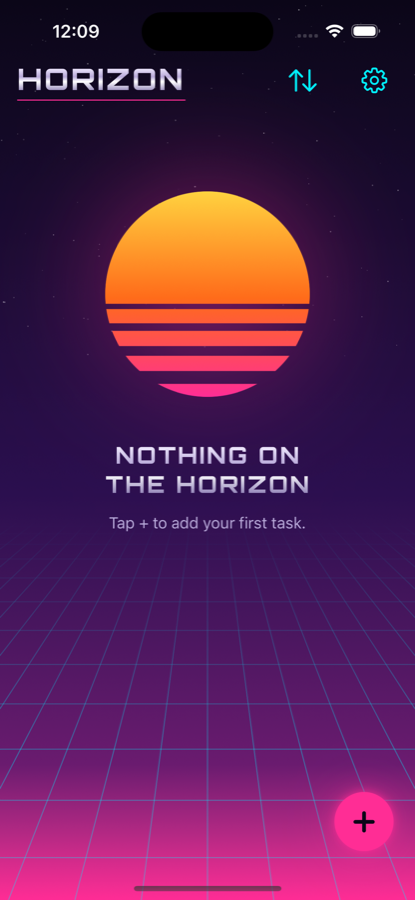
Nothing on the horizon is a good thing. Get there faster.
Free. Then Turbo.
The app is free and stays free. Turbo is a one‑time in‑app purchase, $4.99, once, at an introductory sale price. No subscription. No trial. No account.
Everything you need to run your day.
- Unlimited tasks, notes, priorities and due dates
- Overdue / Today / Upcoming / Someday / Completed
- Due‑time reminders
- Search, smart sort, manual reorder
- Swipe to delete with 5‑second undo
- Neon Sunset theme, haptics, grid motion
- Local‑only. No account, no sync, no tracking.
Everything the free app does, plus the extras.
- Theme packs Midnight Drive, Laser Grid, Chrome, Daybreak
- Matching app icons Your Home Screen matches the theme
- CRT scanlines Subtle retro scan overlay
- Synth sounds Square‑wave blips for every action
- Home & Lock Screen widgets Today's count and your next tasks
- Recurring tasks Daily, weekly or monthly
- Every future Turbo feature Buy once, keep getting more
One‑time purchase. No subscription, no account.
Privacy
On the Horizon stores everything on your device. No accounts, no sync, no network requests of any kind.
- No accountNothing to sign up for, nothing to forget the password to.
- No cloud syncYour tasks live in a local database on your iPhone. That's it.
- No analytics, no trackers, no networkThe app doesn't talk to the internet. App Store privacy label: Data Not Collected.
- No third‑party codeNative SwiftUI and SwiftData. Read the full privacy policy →